Terraform Best Practices: "Hello, World" Example

Introduction
In this post, I’ll walk through best practices for writing production-grade Terraform code—the kind that scales with your team and your infrastructure. We’ll cover principles like modularity, naming conventions and environment isolation
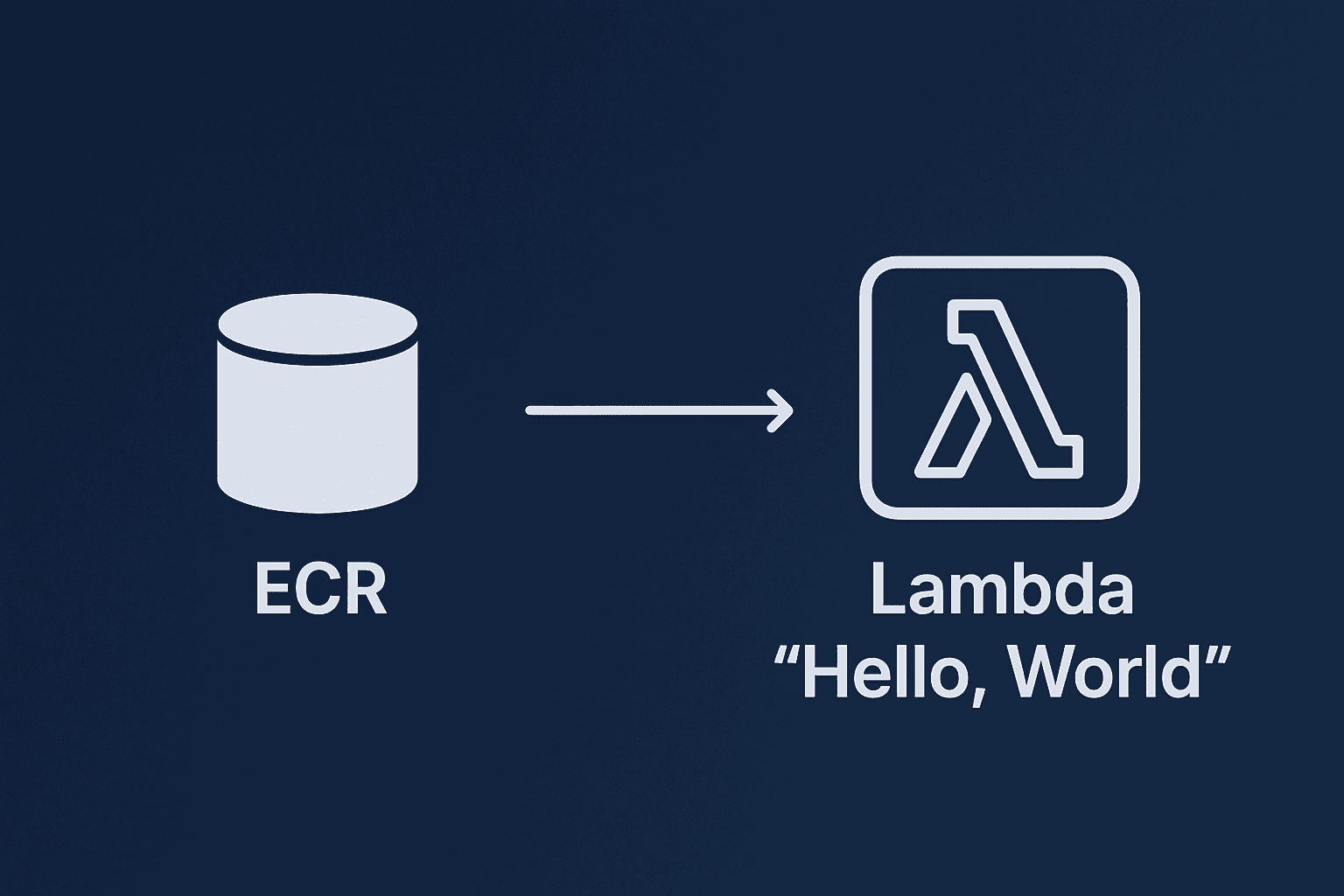
Finally, I’ll show a minimal but realistic “Hello, World” example: deploying an AWS Lambda function from a container image stored in ECR. It’s small but touches on the fundamentals: modular structure, IAM permissions, environment separation, and clean inputs/outputs.
1. Modularity and Reusability
The foundation of good Terraform is modules. A module is just a folder containing Terraform code that encapsulates a logical unit of infrastructure. Instead of having one giant file with hundreds of resources, break things down into small, single-purpose modules.
For example:
modules/ecr-repository/→ defines one ECR repomodules/lambda-container-function/→ defines one Lambda function and its IAM role
This structure makes your code reusable, testable, and easier to review.
Each module should follow a consistent internal structure:
main.tf→ the actual resourcesvariables.tf→ input variablesoutputs.tf→ outputsversions.tf→ provider and Terraform version constraints
This is the structure advocated by Anton Babenko and many in the Terraform community, and it keeps things predictable.
2. Naming Conventions
Names matter. Consistent naming prevents confusion and errors. Follow these rules:
- Use underscores (
_), not hyphens (-). - Stick to lowercase letters and numbers.
- Don’t repeat resource types in names. For example:
# Good
resource "aws_route_table" "public" {}

# Bad
resource "aws_route_table" "public_route_table" {}
The first is concise, readable, and avoids redundancy.
3. Output Variables
Outputs are the contract between modules. To keep them clean:
- Always add a description.
- Use plural names for lists (e.g.,
subnet_ids). - Avoid marking outputs
sensitive = trueunless absolutely required, because it makes debugging harder.
4. Environment Isolation
Never deploy dev and prod from the same configuration. That’s a recipe for mistakes. Instead, use a directory structure like this:
live/
  dev/
    main.tf
  prod/
    main.tf
Each environment has its own state file, variables, and configuration. This gives true isolation and prevents a typo in dev from wiping prod. Workspaces are not a substitute for real environment separation.
5. Secrets Management
Hard-coding secrets in Terraform is one of the fastest ways to end up in an incident report. Don’t do it.
- For local runs: use environment variables with the
TF_VAR_prefix. - For CI/CD: use IAM Roles with OIDC or secrets injected securely by the pipeline.
- Consider tools like AWS Secrets Manager or HashiCorp Vault for production secrets.
Always mark sensitive inputs with:
variable "db_password" {
  type      = string
  sensitive = true
}
This ensures they won’t leak into logs or plans.
6. Code Quality and Automation
Terraform has built-in and external tools to help you keep quality high:
terraform fmt→ enforce style. Run it automatically in CI.terraform validate→ catch syntax errors.terraform plan→ always review plans before applying. Integrate this into pull requests (e.g., Atlantis, Spacelift, GitHub Actions).terraform-docs→ auto-generate README docs for modules.
Use comments sparingly, and only for why, not what. The code already shows what.
7. Testing Infrastructure
Infrastructure code deserves tests just like application code. At a minimum:
- Use sandbox accounts for manual testing.
- Add static analysis with
tflintandtfsec.
A "Hello, World" Example: Lambda with Container Image
Let’s apply these best practices with a simple example: an AWS Lambda function that runs from a Docker image stored in ECR. This setup has three moving parts:
- ECR Repository → stores the container image.
- Lambda Function → runs from that image.
- IAM Role → allows Lambda to write logs to CloudWatch.
This is minimal, but it demonstrates modularity, IAM least privilege, and environment separation.
Module: ecr-repository
main.tf
resource "aws_ecr_repository" "main" {
  name = var.name
}

output "repository_url" {
  description = "URL of the ECR repository"
  value       = aws_ecr_repository.main.repository_url
}
variables.tf
variable "name" {
  description = "ECR repository name"
  type        = string
}
Module: lambda-container-function
main.tf
data "aws_iam_policy_document" "lambda_assume" {
  statement {
    actions = ["sts:AssumeRole"]

    principals {
      type        = "Service"
      identifiers = ["lambda.amazonaws.com"]
    }
  }
}

resource "aws_iam_role" "lambda_exec" {
  name               = "${var.name}_exec"
  assume_role_policy = data.aws_iam_policy_document.lambda_assume.json
}

resource "aws_iam_role_policy_attachment" "lambda_logging" {
  role       = aws_iam_role.lambda_exec.name
  policy_arn = "arn:aws:iam::aws:policy/service-role/AWSLambdaBasicExecutionRole"
}

resource "aws_lambda_function" "main" {
  function_name = var.name
  role          = aws_iam_role.lambda_exec.arn
  package_type  = "Image"
  image_uri     = var.image_uri
  timeout       = 10
}

output "lambda_arn" {
  description = "ARN of the Lambda function"
  value       = aws_lambda_function.main.arn
}
variables.tf
variable "name" {
  description = "Name of the Lambda function"
  type        = string
}

variable "image_uri" {
  description = "ECR image URI for the Lambda"
  type        = string
}
Environment: live/dev/main.tf
module "ecr" {
  source = "../../modules/ecr-repository"
  name   = "hello_dev_repo"
}

module "lambda" {
  source    = "../../modules/lambda-container-function"
  name      = "hello_dev_lambda"
  image_uri = "${module.ecr.repository_url}:latest"
}
Why this matters
This example might look simple, but it demonstrates several best practices:
- Modularity → each resource type is isolated into its own module.
- IAM least privilege → Lambda gets only what it needs (CloudWatch logging).
- Outputs → modules communicate cleanly.
- Environment isolation →
live/devcontains its own config, separate from prod.
From here, you can expand with VPCs, databases, or API Gateways, while keeping the same principles.
Conclusion
Terraform gives us the power to define infrastructure as code. By sticking to best practices—modularity, naming conventions, environment isolation and secrets management —you create IaC that scales with your team and your workloads.
The Lambda + ECR “Hello, World” may be simple, but it captures the essence of production-grade Terraform: clean modules, minimal IAM, clear inputs/outputs, and isolated environments. Build on these foundations, and your Terraform codebase will remain reliable as your infrastructure grows.